
01BALANCE
14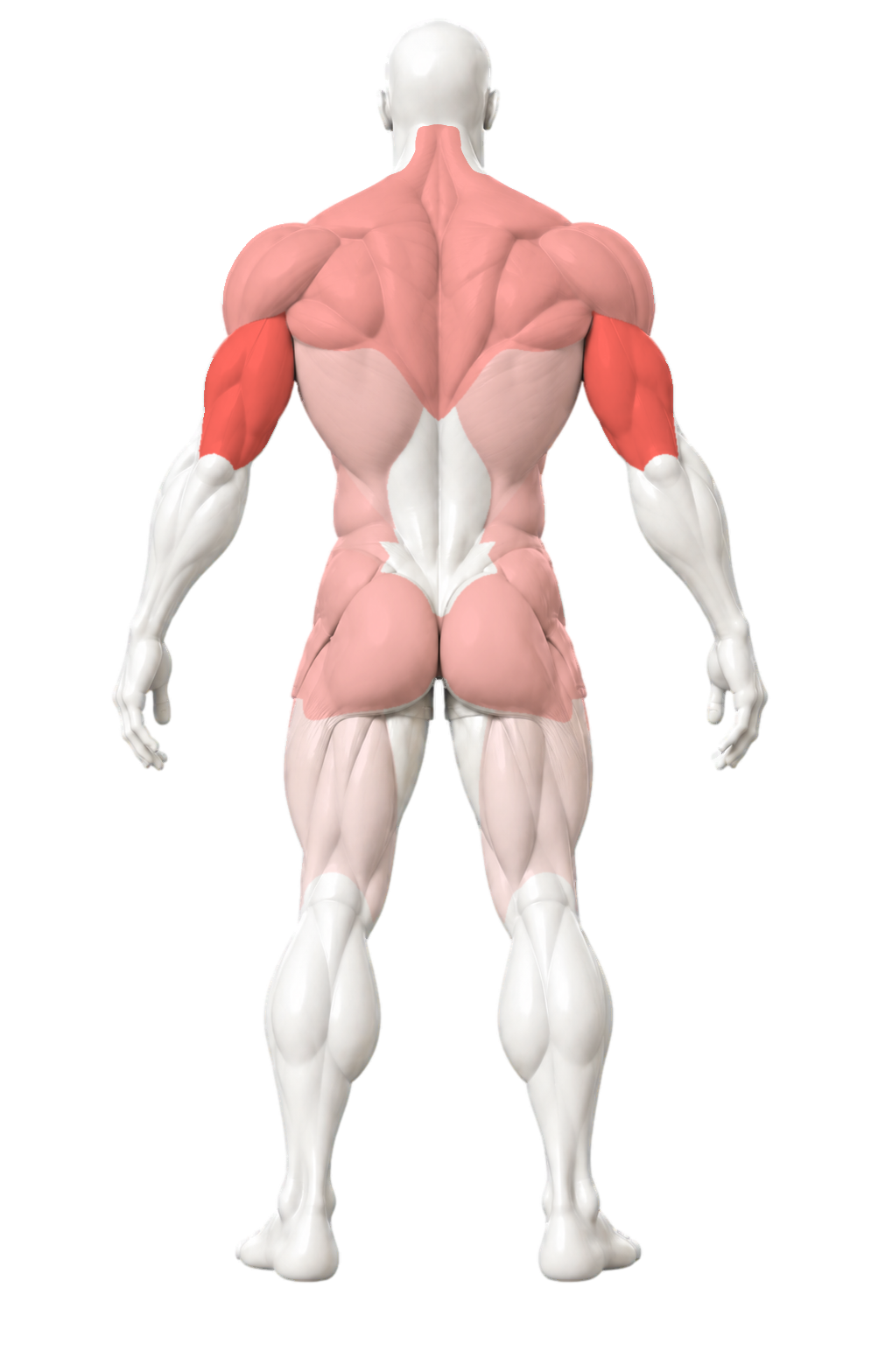
Compare sets by muscle group.
Compare completed sets across 14 muscle groups and spot the patterns in your training.
A free, simple workout log for iPhone.
Track sets, reps, and weights.
Log your strength training, compare past sessions, and see which muscles you’ve worked—all in one app.
See what you trained recently.
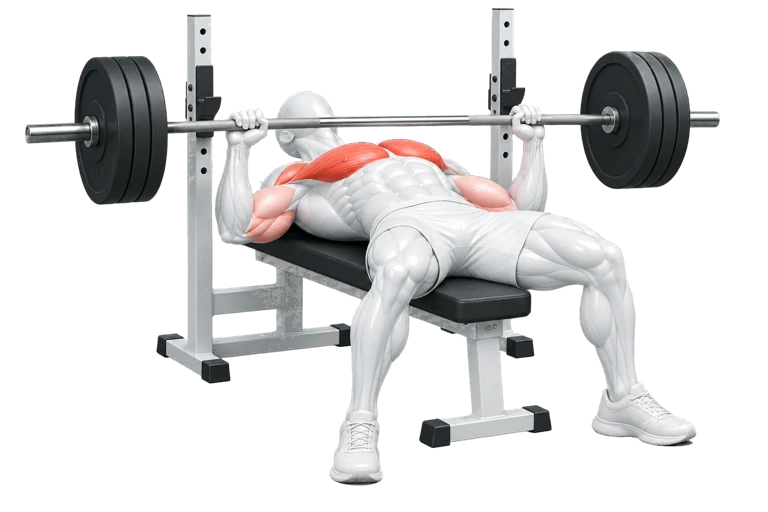 Bench press
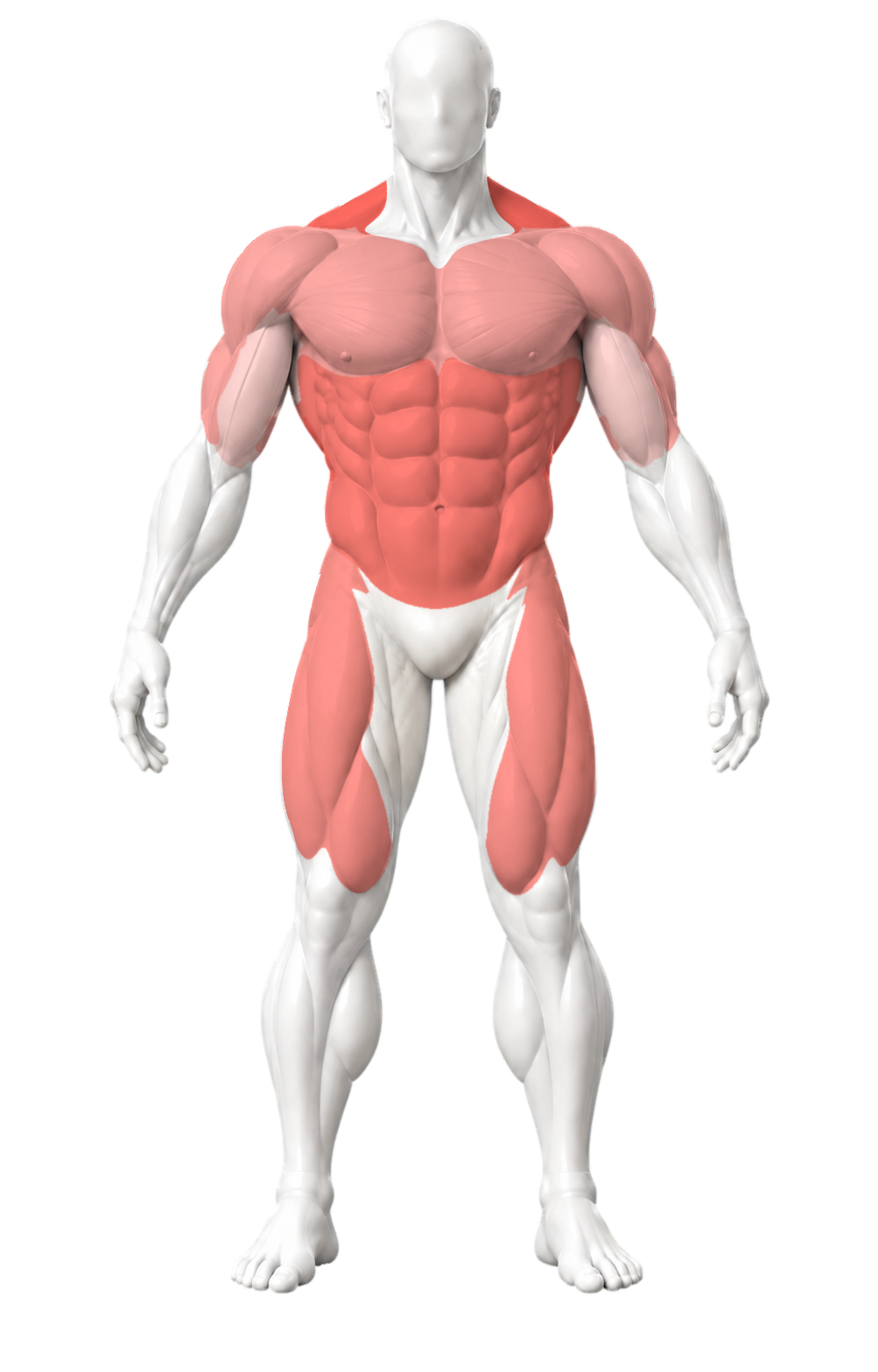
See recent training across 14 muscle groups. Once you’ve logged primary work for six groups, Chisel suggests the one whose primary training was longest ago.
150 exercises plus more being added every week.
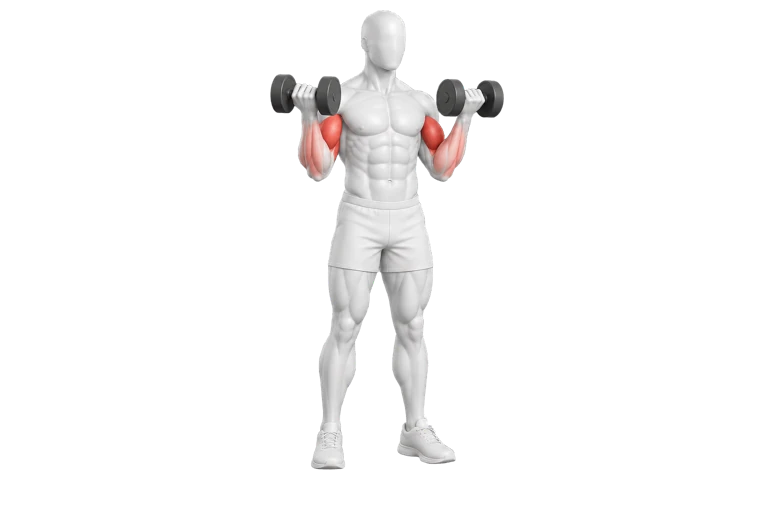
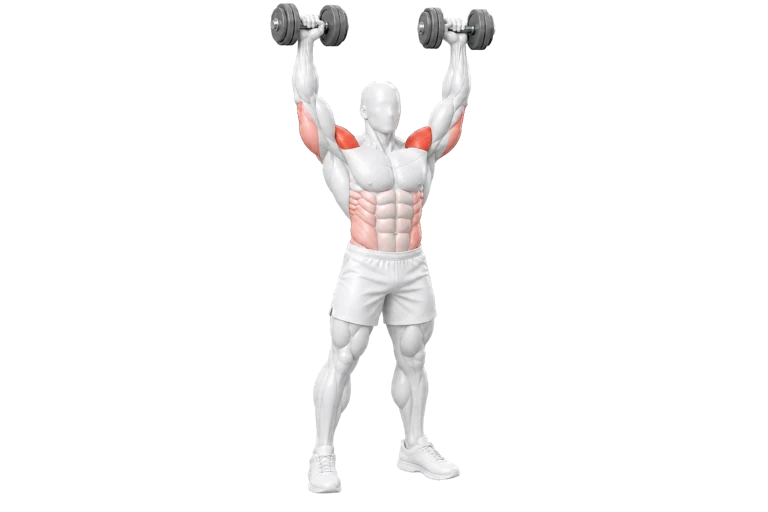
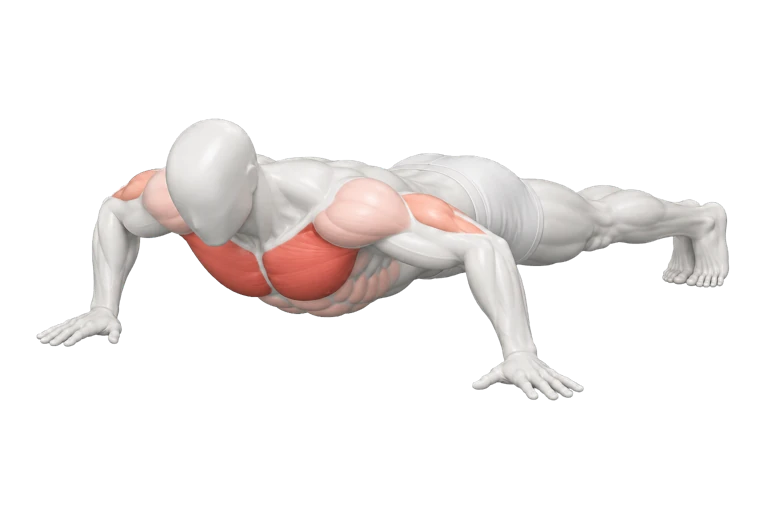
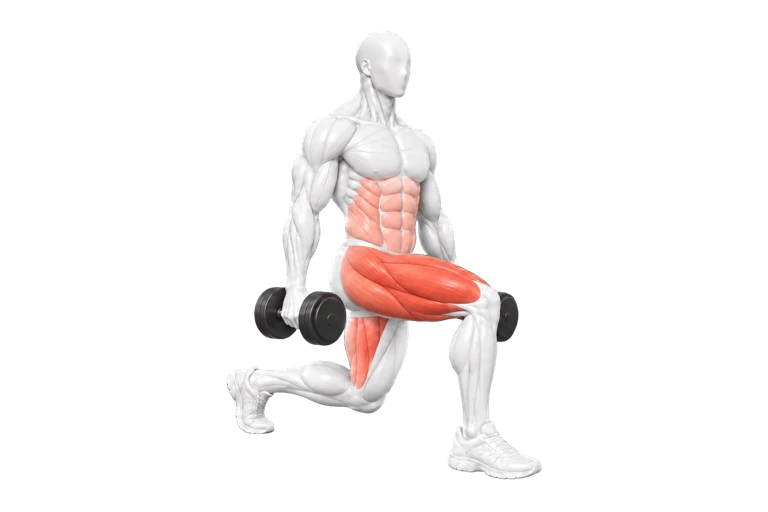
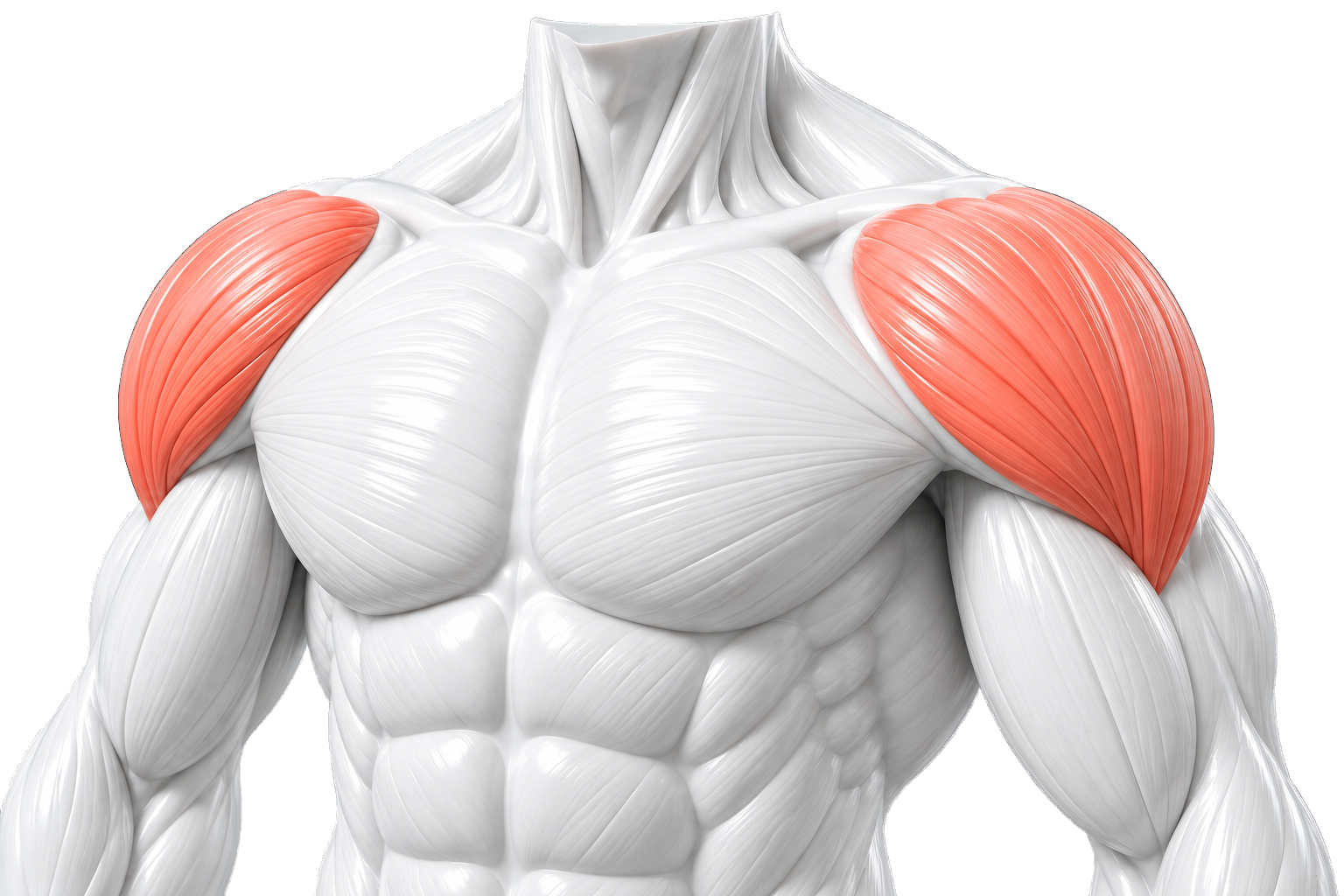
Strength takes shape over time. In the small adjustments, the familiar movements, and the simple act of showing up.
Chisel gives that effort a record. A quiet place to plan your workouts, log your sets, and look back at how far you’ve come.
A closer look at the appPlan, track,
and compare.
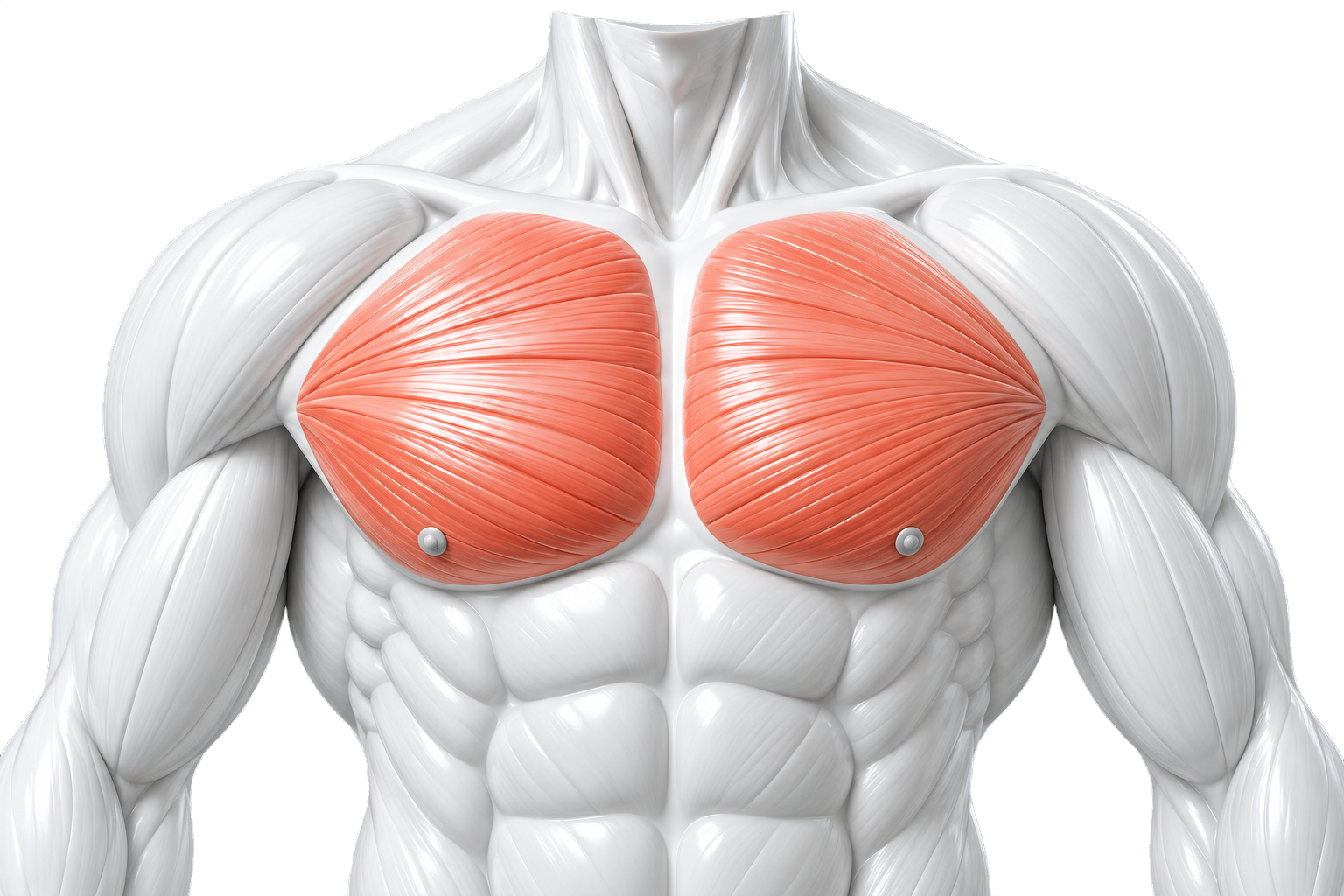
See when you last trained each of 14 muscle groups. Use your muscle map to notice gaps in your recent training and choose your next focus.
EXPLORE ALL 14 MUSCLE GROUPS
Chest, in focus.Choose a group to explore its anatomy.
After you’ve logged primary work for six different groups, suggestions point to the one whose primary training was longest ago. The coral in this anatomy preview highlights the selected group.
Choose exercises by muscle group, set your planned sets, and adjust the order before you start. Add exercises during your workout when plans change.
Try composing a session below. This is a preview.
3movements
9planned sets
Compare completed sets by muscle group, follow your strength trend, and check your previous weights and reps before your next set.
Compare completed sets across 14 muscle groups and spot the patterns in your training.
Your Strength Index starts at 100, bringing changes in logged performance and volume into one trend.
See the last three sessions for the exercise you’re logging, so your previous work is always close.
Built from the sets you complete. The Strength Index describes your logged training.
Log the variations you actually train. Create a custom exercise, name it, and assign its muscle groups so it belongs in your workout history.
A preview for exploring your ideas. Drafts here aren’t added to your workout library.
How logging, muscle history, and local storage work.
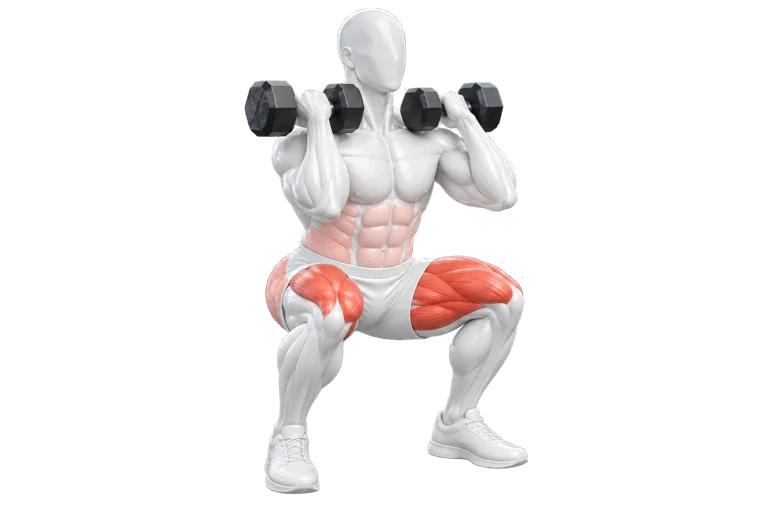
In Train, primary work starts at full color and secondary work at 35%. Both fade over seven days; the stronger current color is shown. This is a visual guide to your logged history. Exercise illustrations use coral shades to distinguish muscle roles. Neither represents measured recovery or muscle activation.
Yes. Start with muscle groups, choose your exercises, and adjust your sets. You can also create custom exercises and assign them to more than one muscle group.
No. Timers are optional. Log your sets with or without one, and train at the pace that works for you.
Record weight and repetitions, or seconds for timed movements. You can edit completed sets and look back at recent sessions while logging.
Chisel saves your workouts and preferences locally on your iPhone. No account is required, and there is no app-provided cloud sync. Deleting the app can remove its local history; device backups are controlled by Apple and your settings.
Balance shows completed sets by muscle group. Strength follows changes in logged performance and volume, and individual exercise views show your recent work. Your own completed sets build the picture over time.
Free for iPhone, with no subscriptions or account required.